
Chrome extensions have become one of the most important tool for every professional, there are some key extensions that I like to use in my workflow everyday that make more productivity. While I use them for web design, coding and other stuff these can also apply for other job roles.
Building a tech stack that works for you is about eliminating friction—automating the repetitive steps, protecting your focus, and bringing your most-used tools directly into the window where you spend your day.
Here my personal top 20 best Chrome extensions to optimize your workflow, updated with pricing, ideal roles, and how I use them to streamline daily tasks.
Quick Reference Top 5
| Extension | Category | Pricing | Key Benefit |
|---|---|---|---|
| Loom | Communication | Free / Paid from $12.50/mo | Fast async video updates |
| Grammarly | Writing | Free / Paid from $12/mo | Real-time AI editing |
| Todoist | Task Management | Free / Paid from $4/mo | In-browser task capture |
| Hunter | Outreach | Free / Paid from $34/mo | Instant email discovery |
| Marinara | Focus | Free (Open Source) | Built-in Pomodoro timer |
Time & Task Management
1. Marinara: Pomodoro Assistant
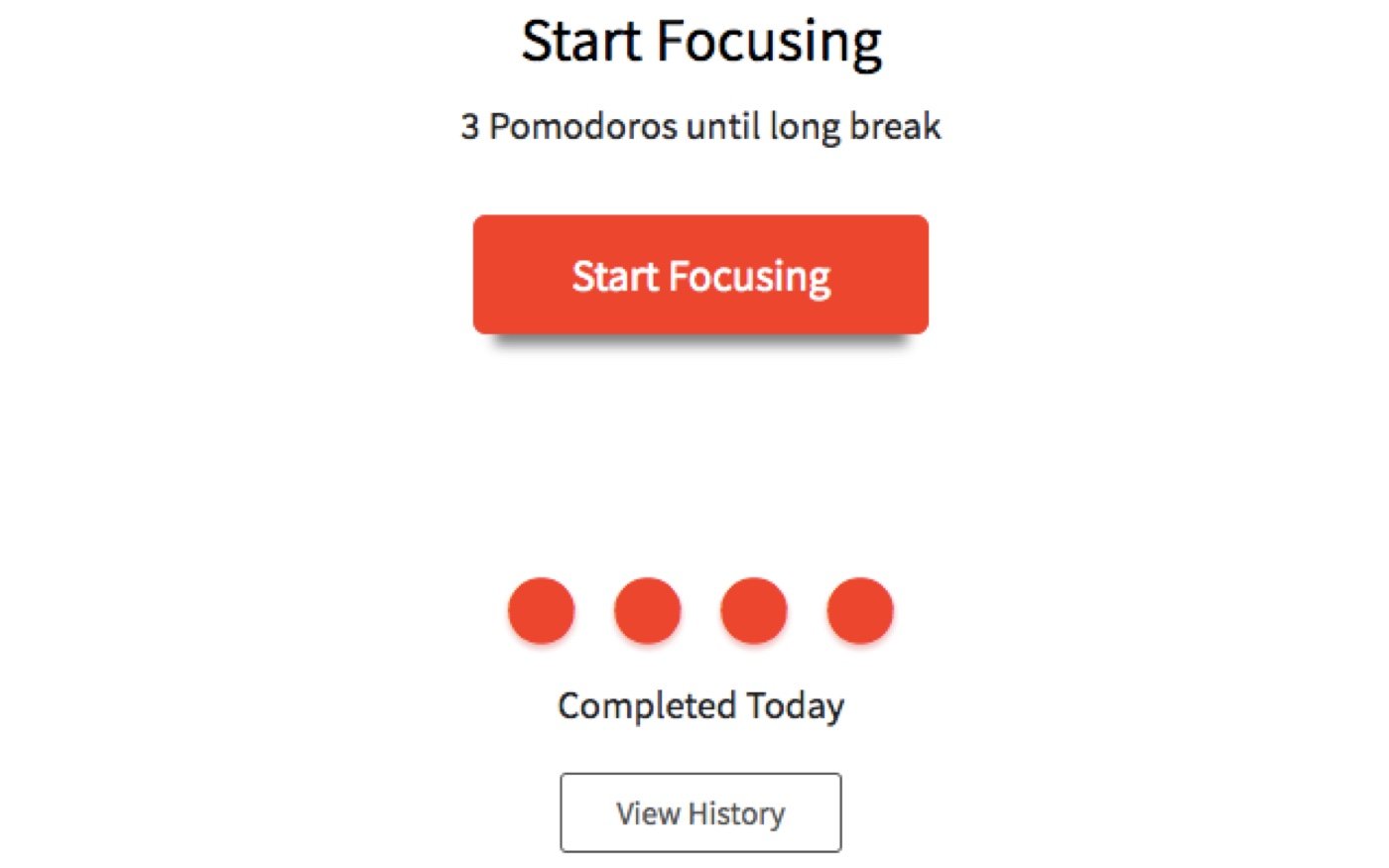
The Pomodoro technique remains one of the most effective ways to sprint through deep work. Marinara builds customizable 25-minute work and 5-minute break timers directly into your browser toolbar, automatically tracking your focus statistics over time.
- Ideal for: Freelancers, content writers, developers, and project managers who struggle with time-boxing heavy focus tasks. Also, ideal for people with ADHD or that have hard time focusing for long period of time.
- Pricing: Free (Open Source).
- In My Workflow: I use this to block out uninterrupted chunks of time when coding complex page components or mapping out sitewide redirect files, ensuring I don’t get lost down a rabbit hole for hours.
2. Checker Plus for Google Calendar
This extension allows you to manage your schedule, get desktop notifications, and add events without ever leaving your current tab or opening a separate calendar window. I love this tool because I can quickly scedule a meeting when I have Zoom meeting with a client.
- Ideal for: Account managers, consultants, and remote workers balancing heavy client-meeting schedules.
- Pricing: Free (Donation-based for bonus features).
- In My Workflow: When I’m working inside a content management system (CMS) or looking over site metrics, I can check my availability for a client call in one click without interrupting my actual workspace layout.
3. Todoist
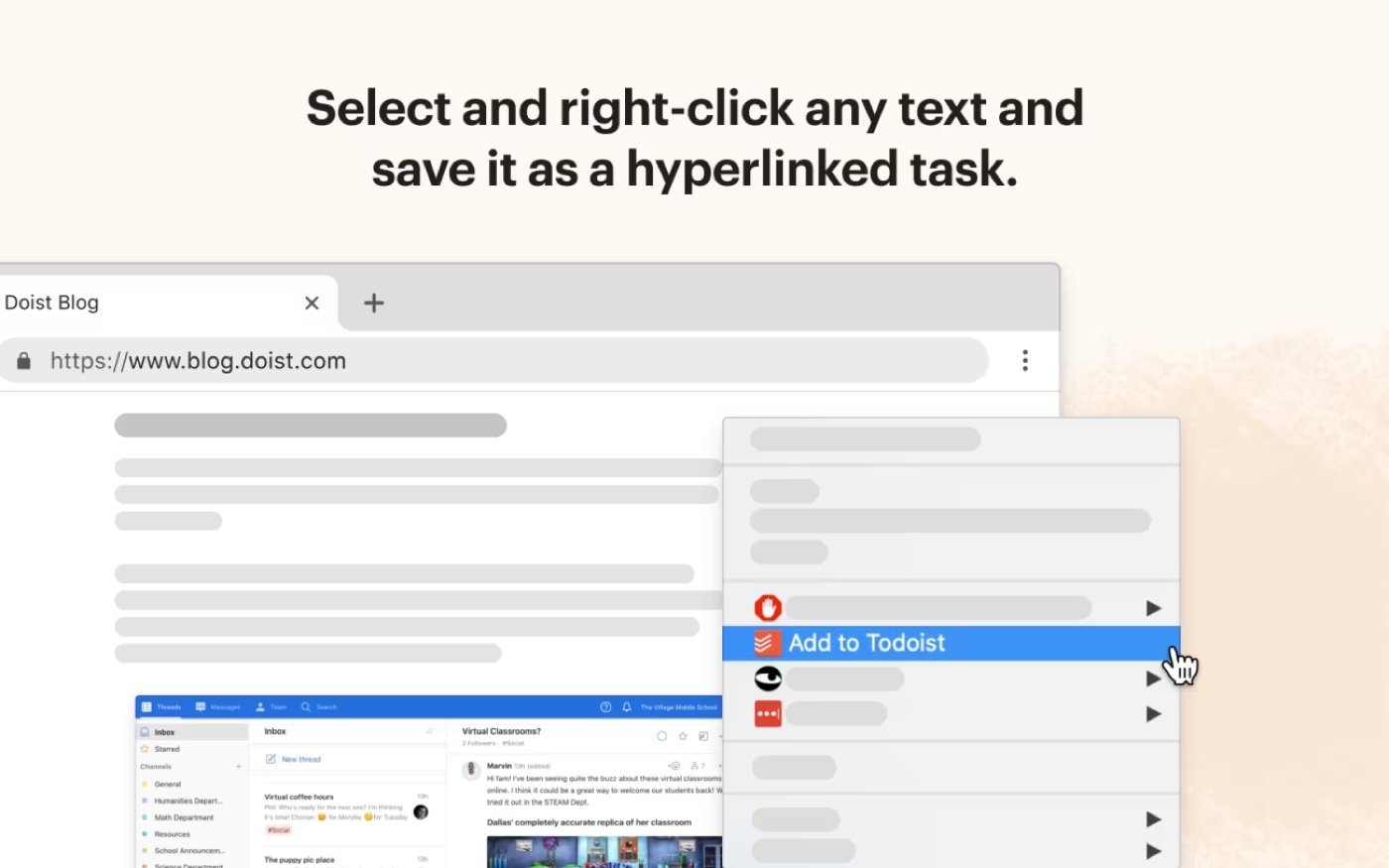
Todoist eliminates the friction of task tracking. The extension lets you capture tasks and save specific web pages as action items instantly, ensuring nothing slips through the cracks while you’re deep in research. This is great for people with ADHD because it allows you to put your ideas when currently working on a deep task.
- Ideal for: Virtual assistants, digital marketers, and multidisciplinary creatives balancing independent project tracks.
- Pricing: Free tier available; Pro tier starts at $4/month.
- In My Workflow: If I stumble upon a broken link or a UX quirk on a staging site during a random search, I clip it directly to my Todoist backlog so I can address the code fix later.
4. Toggl Track
Time tracking often fails because it requires opening another app. Toggl Track adds a one-click timer directly into web tools like Trello, Asana, and Google Docs so you can track billable hours or personal productivity without breaking your workflow.
- Ideal for: Agencies, consultants, and contractors who bill clients by the hour.
- Pricing: Free tier available; Starter tier starts at $9/month.
- In My Workflow: Crucial for tracking exactly how much time speding in a client’s project.
5. Momentum
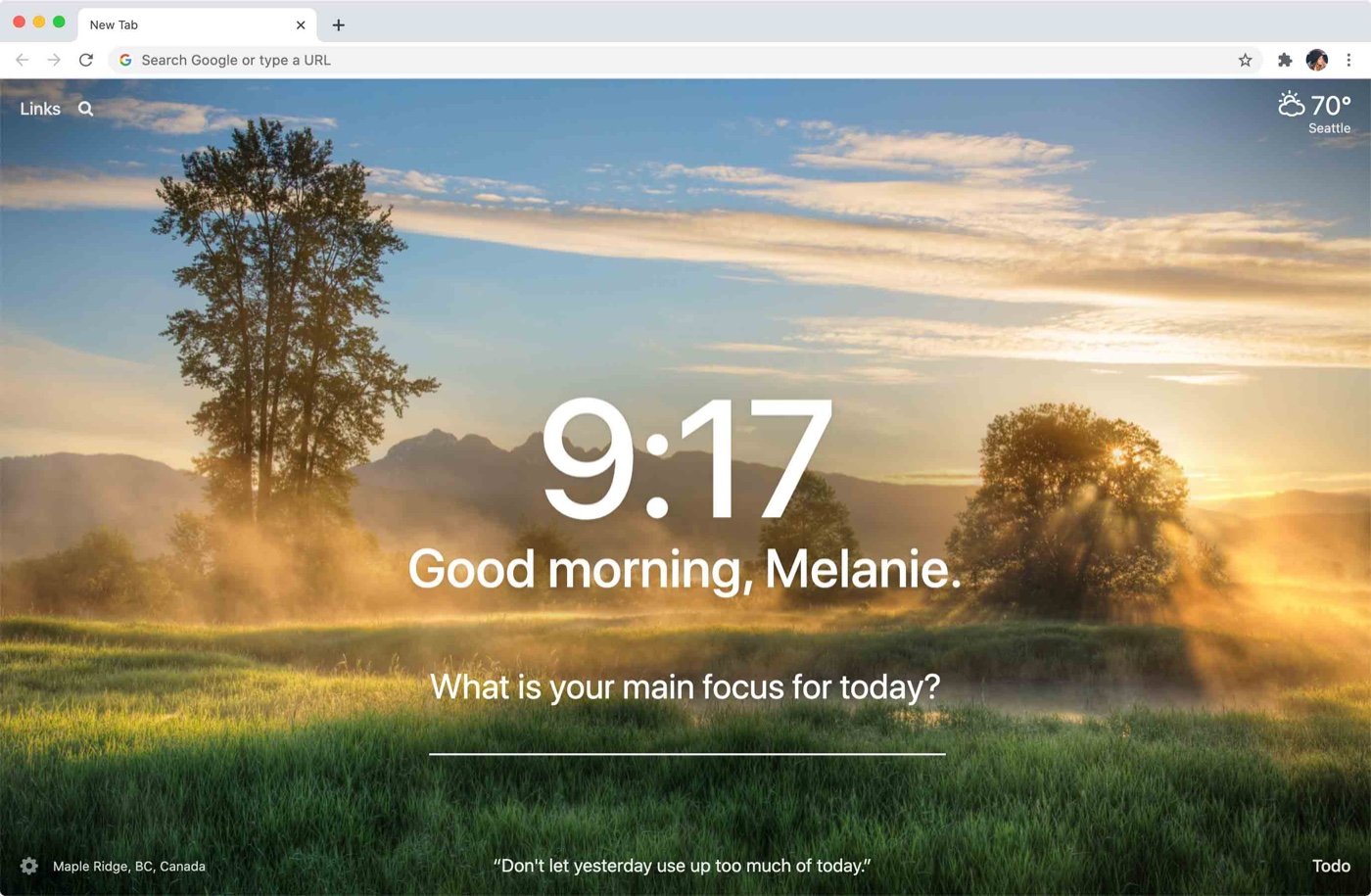
Momentum replaces the chaotic default new tab page with a beautiful, calming dashboard. Featuring a daily focus prompt, your top to-do item, and a customized background, it helps reduce decision fatigue and brings intention to every new browsing session.
- Ideal for: Anyone prone to “tab amnesia”—opening a new tab and immediately forgetting what they intended to search for.
- Pricing: Free tier available; Plus tier starts at $3.33/month.
- In My Workflow: Every time I open a tab to look up a script or check an optimization score, Momentum gently reminds me of my main goal for the day so I stay on track.
Communication & Writing
6. Grammarly
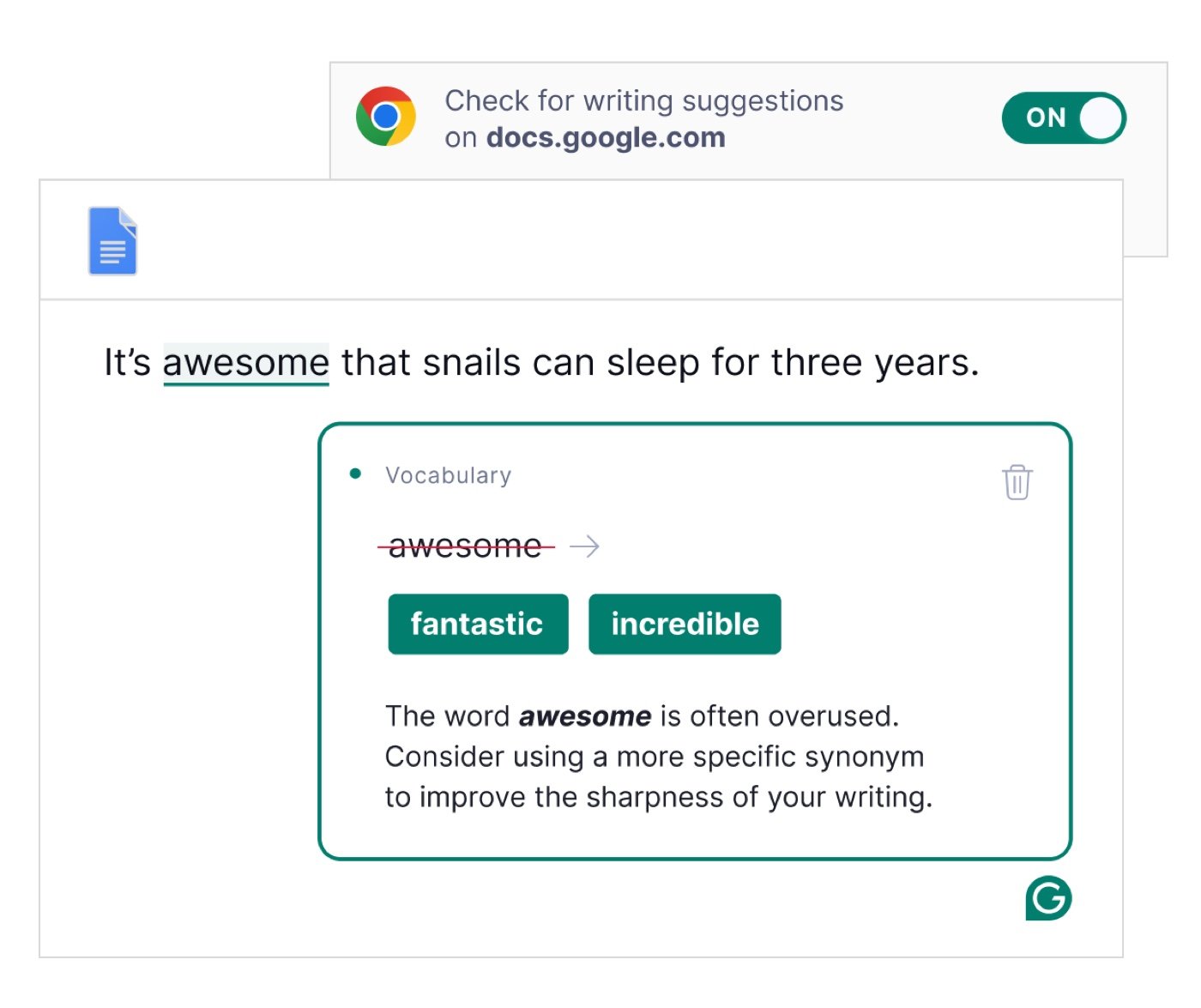
The gold standard for in-browser editing. Grammarly goes far beyond basic spell-check to offer real-time, AI-driven suggestions for tone, clarity, and conciseness across your emails, documents, and social media platforms.
- Ideal for: Copywriters, marketers, support staff, and non-native English professionals.
- Pricing: Free tier available; Premium starts at $12/month.
- In My Workflow: Perfect for proofing technical pitches, page titles, or meta descriptions directly inside web tools to ensure absolute clarity before deployment.
7. Loom
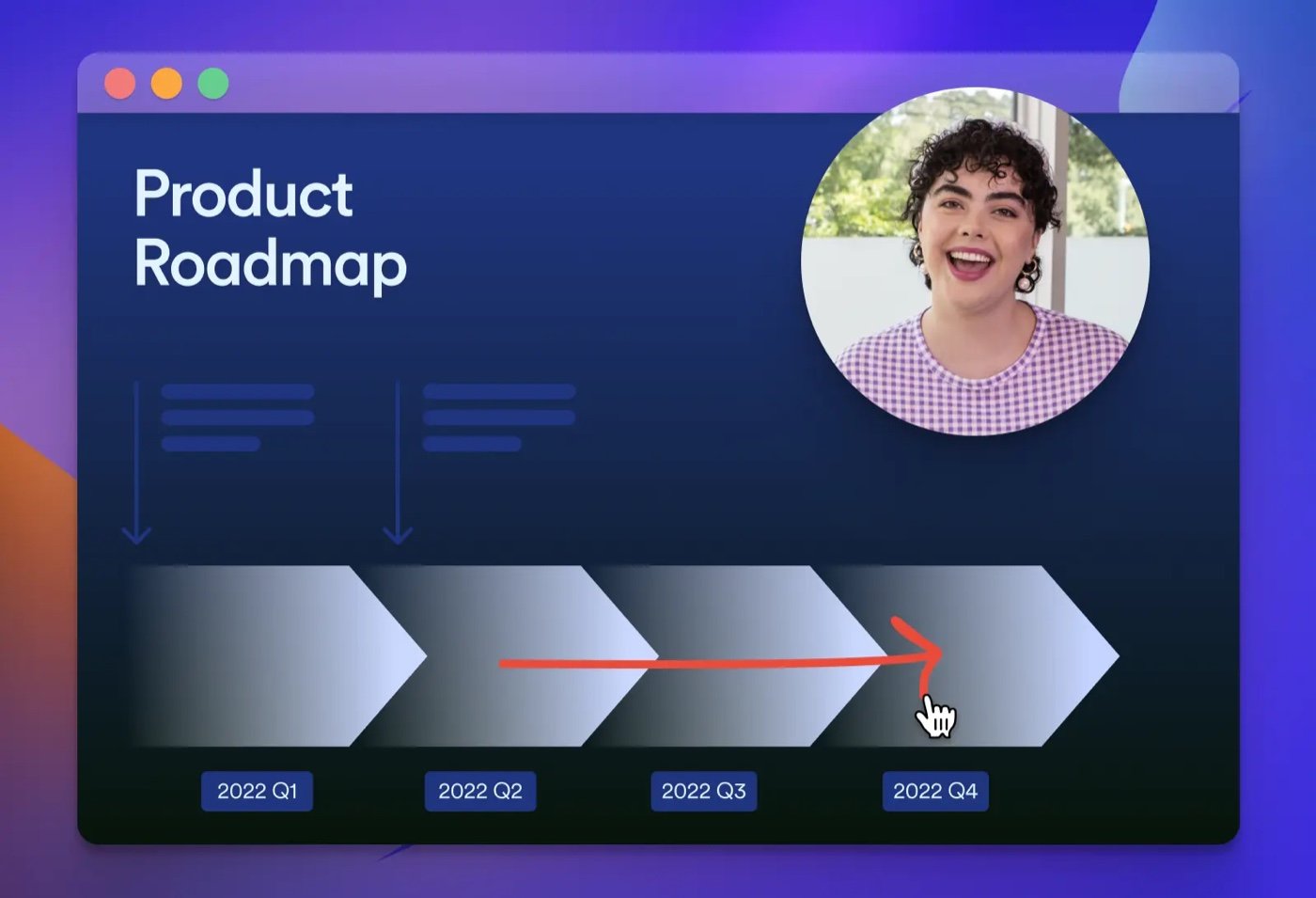
Explaining complex issues asynchronously is almost always faster than typing out a massive email. Loom lets you record your screen, camera, or both with a single click, instantly generating a shareable link that you can drop into Slack or an email.
- Ideal for: UI/UX designers, developers, QA testers, and team leads who need to explain visual errors or walk through software steps.
- Pricing: Free tier available (up to 5 min/video); Business tier starts at $12.50/month.
- In My Workflow: Instead of jumping on a live call to show a client a technical layout bug or a design draft, I record a 60-second Loom explaining the structural issues and send it over.
8. Tactiq (AI Meeting Transcription)
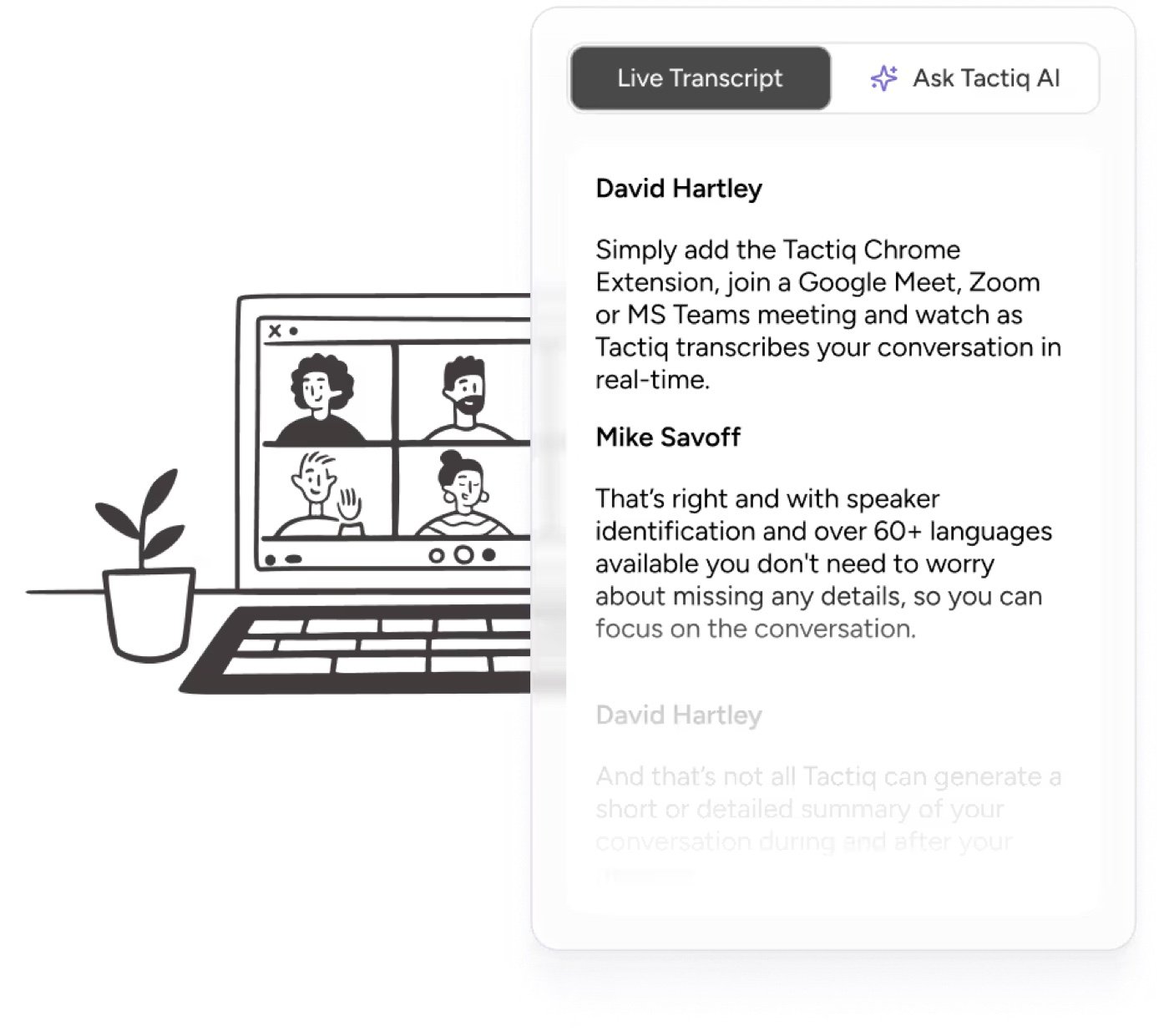
Tactiq captures real-time transcriptions and AI-generated summaries for Google Meet and Zoom directly within Chrome, saving you from manual note-taking during collaborative sessions.
- Ideal for: Business analysts, project managers, and account executives running discovery calls.
- Pricing: Free tier available (3 meetings/month); Pro tier starts at $8/month.
- In My Workflow: During client onboarding calls, I keep this active so I can completely focus on discussing design preferences and target keyword intent, knowing my structural brief notes are being generated automatically in the background.
Research, SEO & Web Tools
9. Hunter (Email Finder)
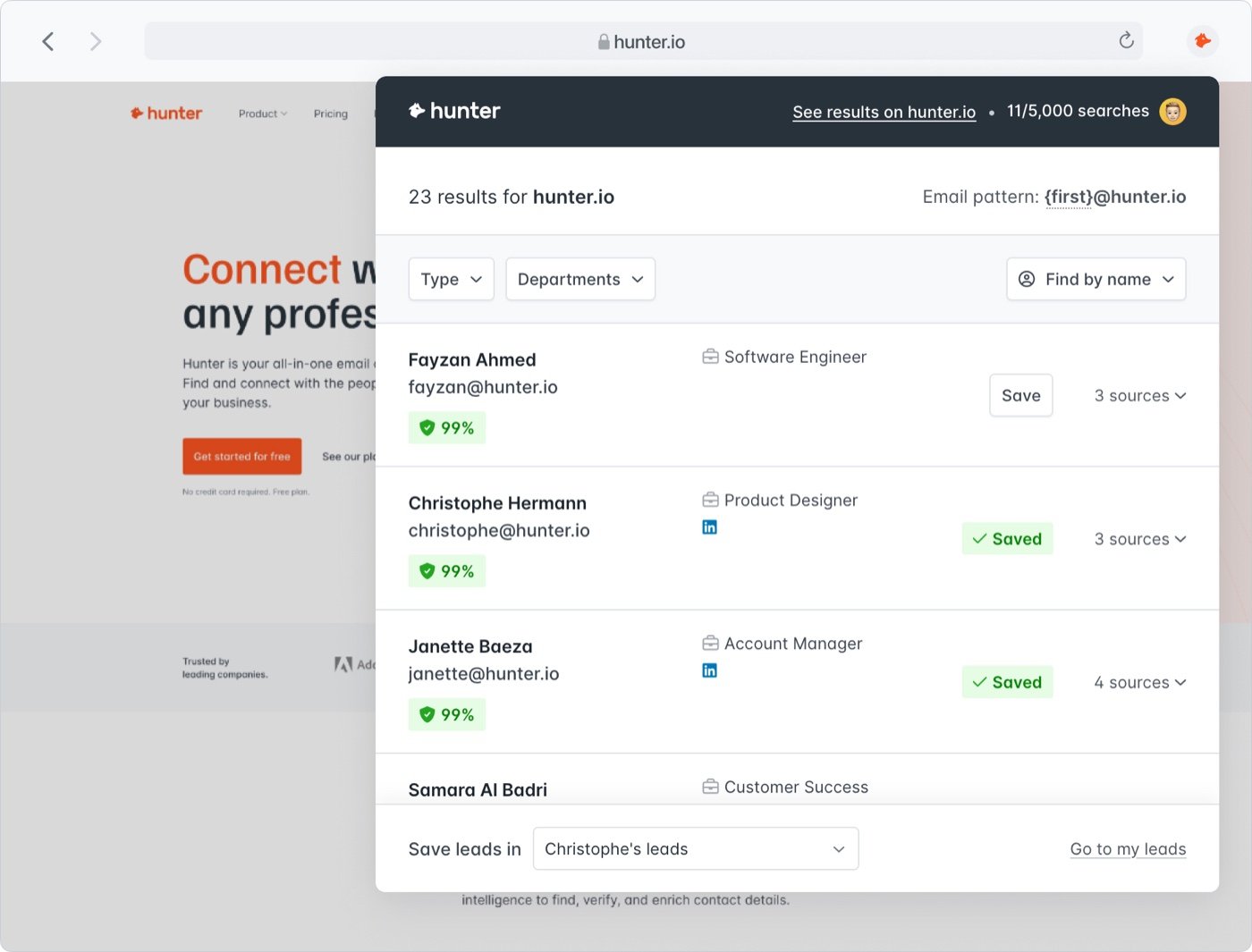
Essential for digital outreach and B2B workflows. With one click, Hunter scans the current domain and returns verified email addresses and contact information associated with that company.
- Ideal for: Sales development reps (SDRs), digital PR specialists, and outreach marketers.
- Pricing: Free tier available (25 monthly searches); Paid plans start at $34/month.
- In My Workflow: Essential for link-building campaigns. When I find a highly authoritative site relevant to a client’s niche, Hunter lets me immediately find the content manager’s contact details to pitch a feature.
10. Instant Data Scraper
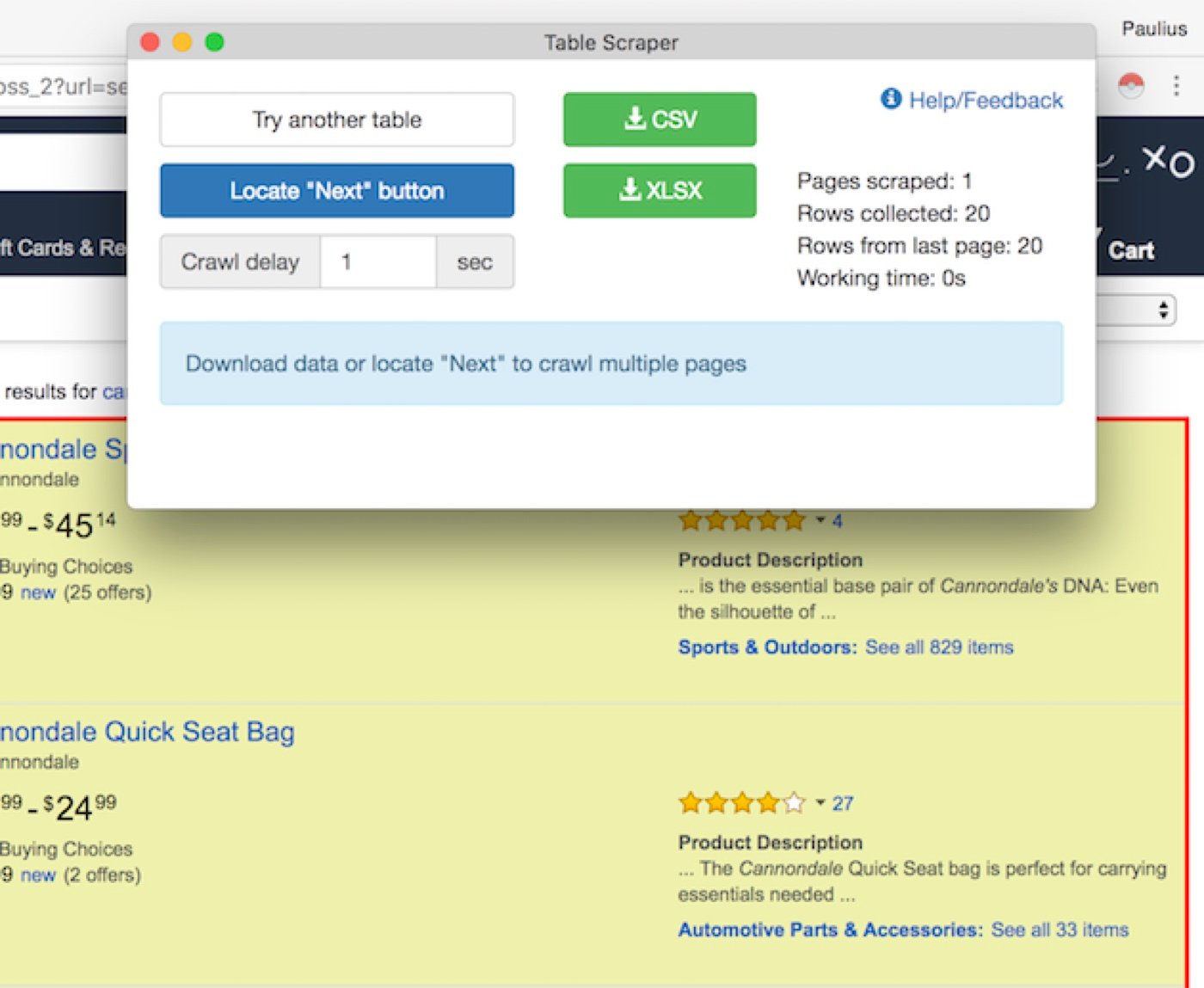
Instant Data Scraper turns complex web pages into structured data without requiring any coding knowledge. It automatically detects tables and list-type data on a page and extracts it directly into an Excel or CSV file.
- Ideal for: Data analysts, e-commerce managers, growth hackers, and SEO strategists.
- Pricing: Free.
- In My Workflow: When executing a thorough site audit, I use this to instantly pull massive batches of competitor blog links, local directory data, or search engine result page (SERP) listings for immediate keyword analysis.
11. ColorZilla
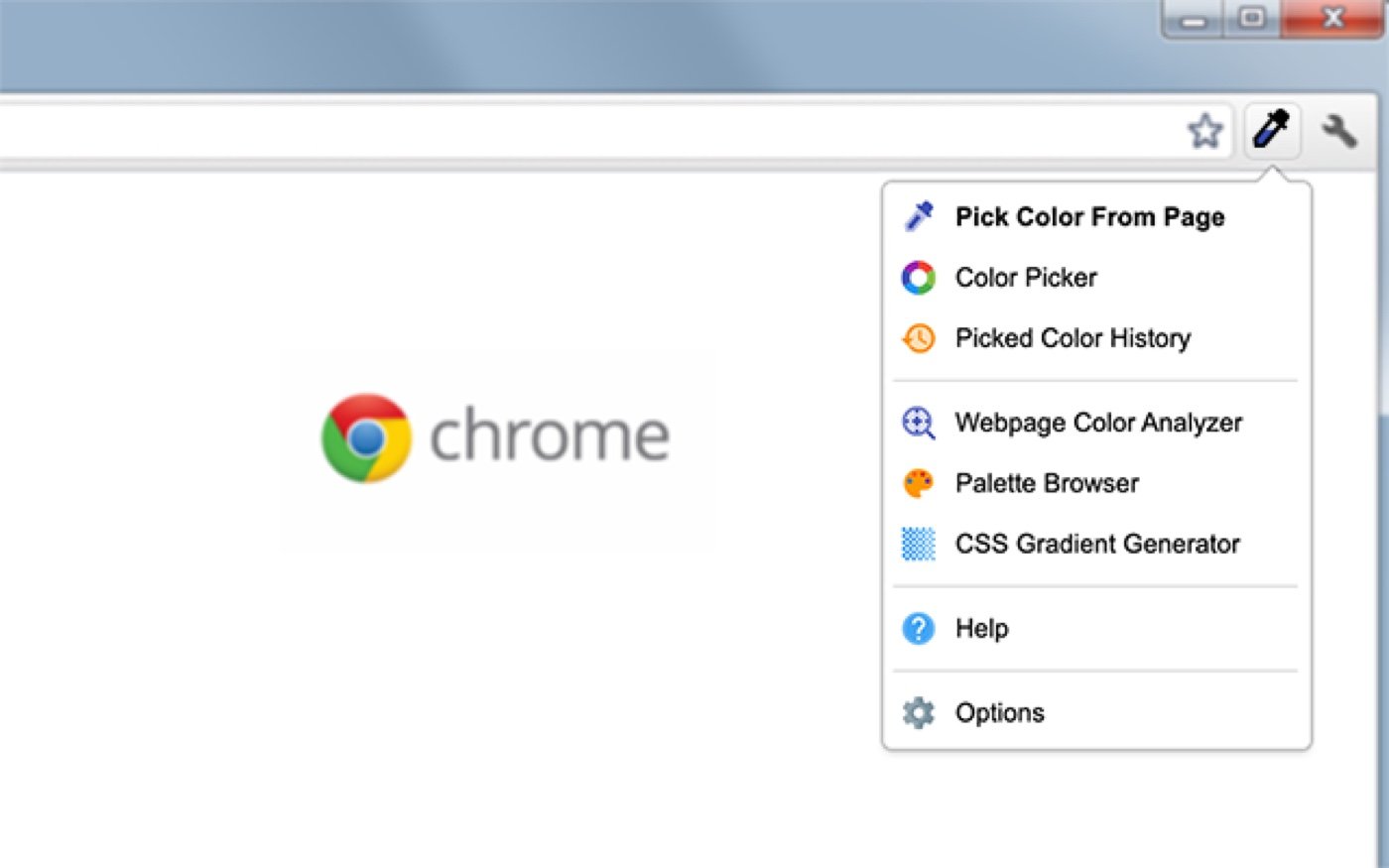
A powerhouse for design and front-end optimization. ColorZilla includes an advanced eyedropper, a color history tool, and a CSS gradient generator, allowing you to extract and analyze the exact color palette from any webpage.
- Ideal for: Graphic designers, web developers, UI/UX researchers, and digital artists.
- Pricing: Free.
- In My Workflow: Essential for visual brand alignment. If a client sends over a reference site they love, I quickly sample their primary palette directly from the canvas to keep my mockups visually consistent.
12. ColorPick Eyedropper
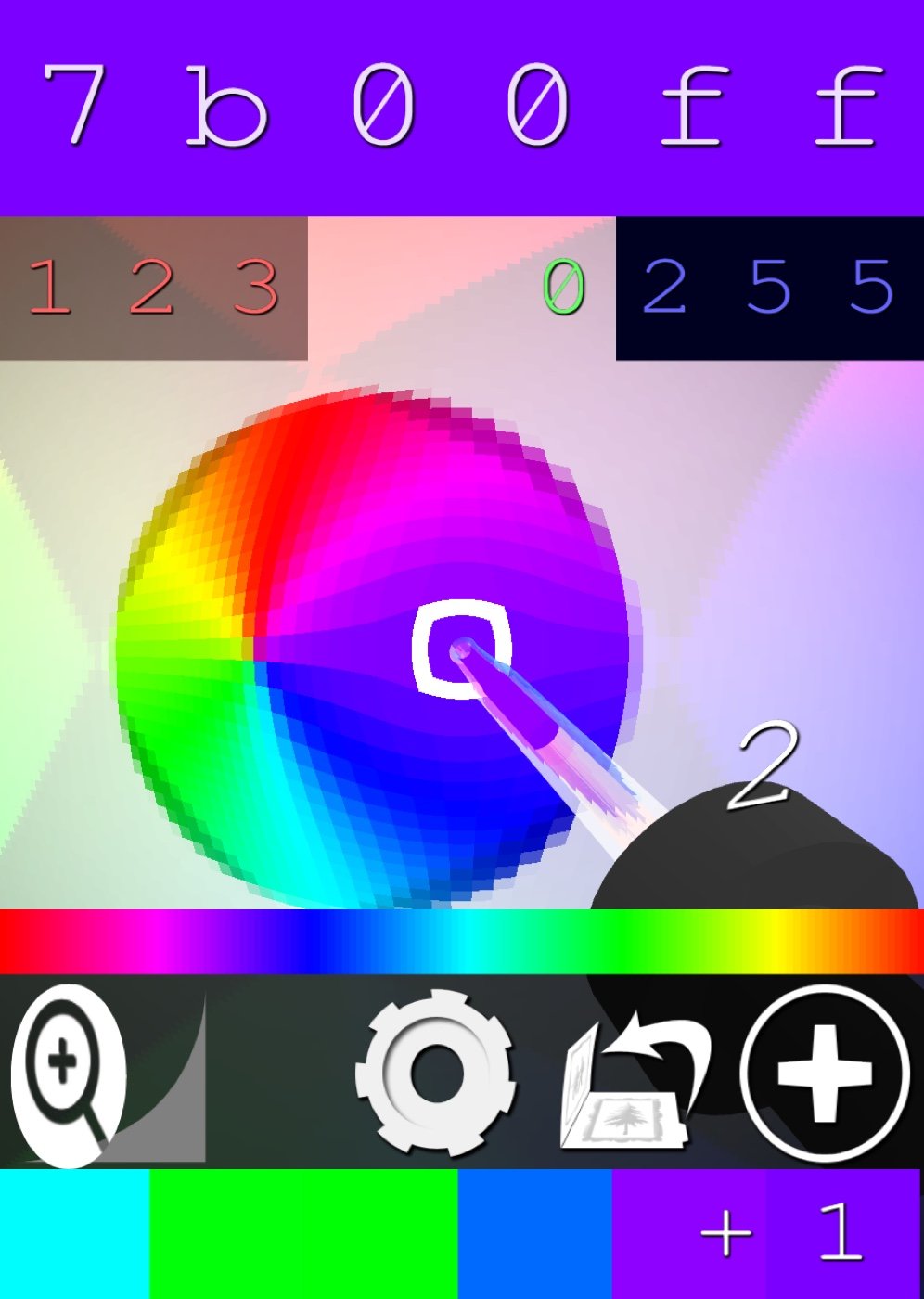
While ColorZilla is a feature-rich suite, ColorPick is the ultra-lightweight alternative. It offers a simple, snappy magnifying glass to quickly grab a HEX or RGB code from any pixel on your screen without navigating through extra menus.
- Ideal for: Frontend engineers and designers who want zero-lag color sampling.
- Pricing: Free.
- In My Workflow: When I don’t need full style guides and just want a quick HEX code from a background image to match a button style, this is my fastest option.
13. GoFullPage
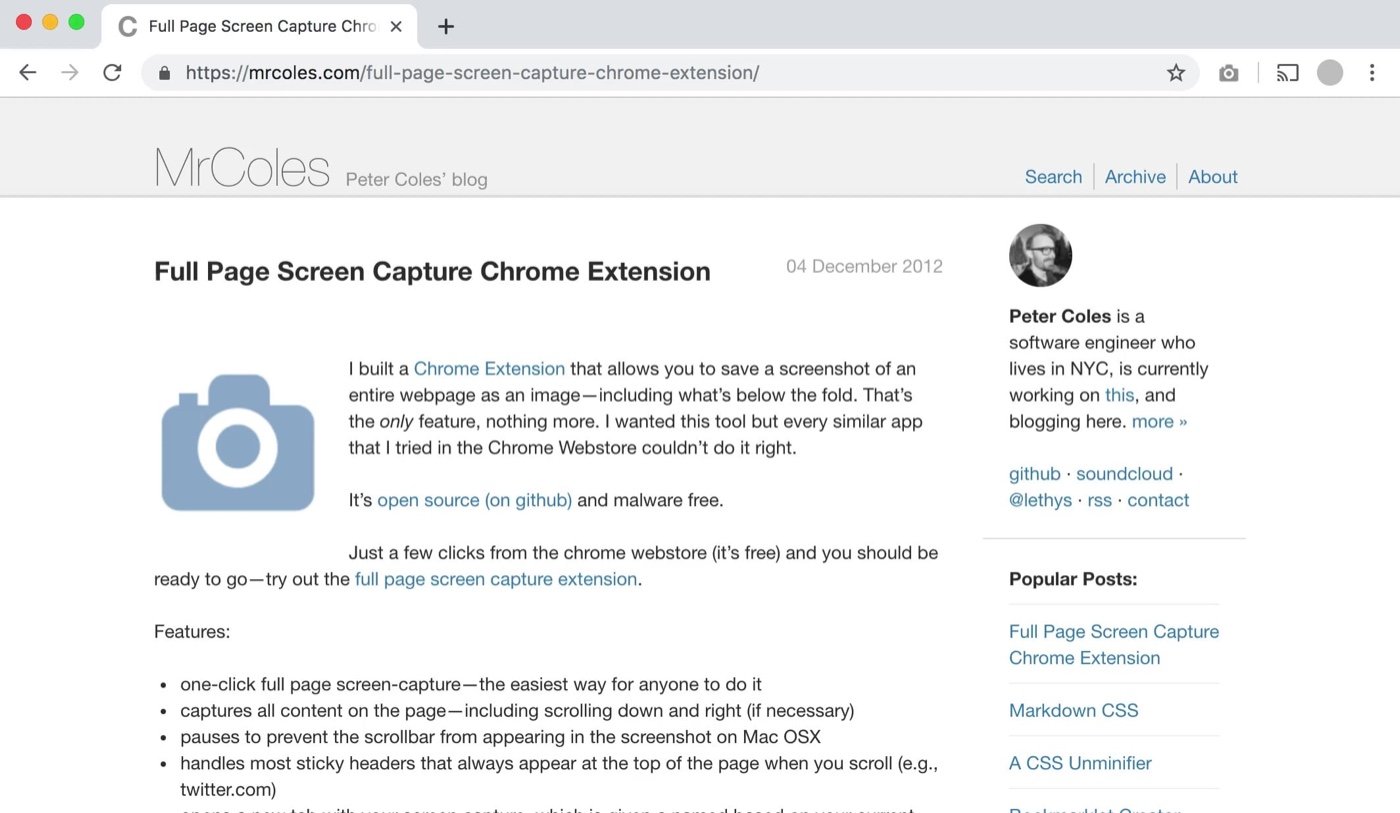
Capturing a long webpage usually results in a chopped-up mess. GoFullPage captures an entire scrolling site into a single high-quality PNG or PDF, natively handling sticky headers and complex layouts that normally break standard screenshot tools.
- Ideal for: Web designers, developers, QA analysts, and compliance managers.
- Pricing: Free tier available; Premium features (cropping, editing) are $1/month.
- In My Workflow: I use this daily to capture structural mockups, archiving exactly what a site looked like before running a comprehensive visual redesign and structural SEO overhaul.
Browser Optimization & Focus
14. OneTab
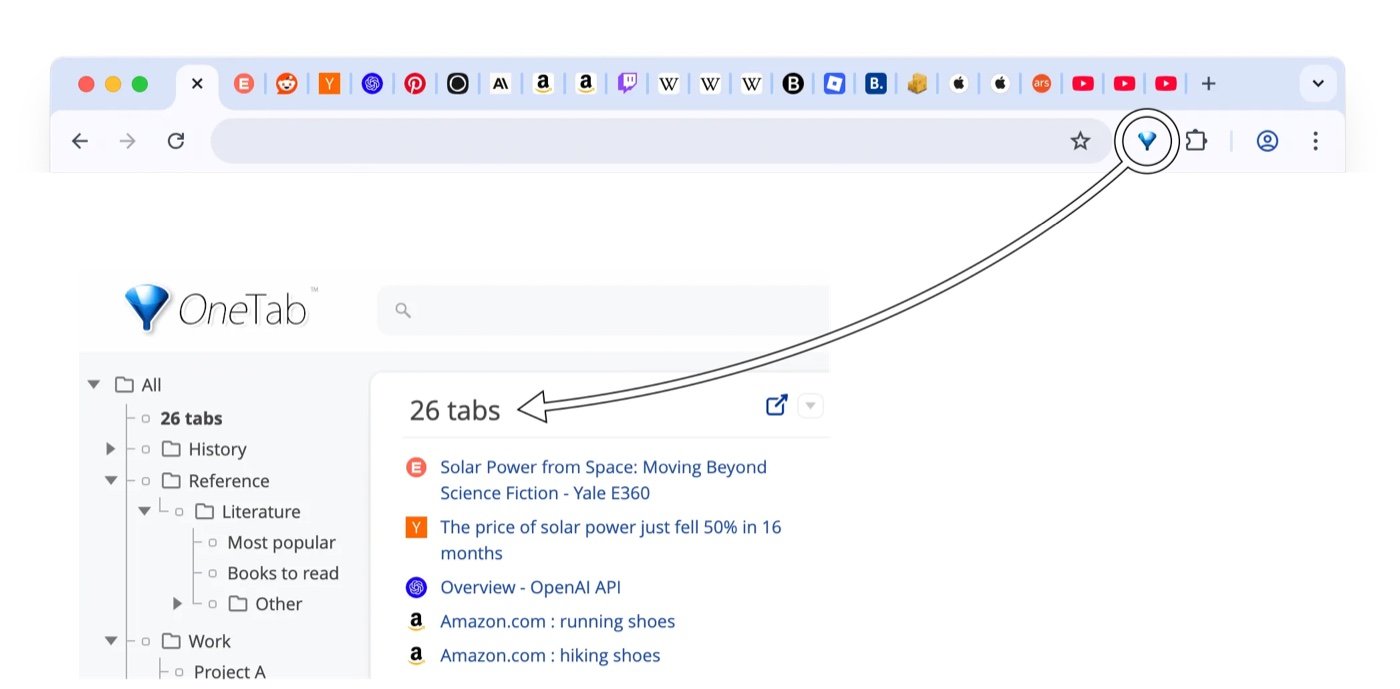
Tab hoarding drains your computer’s memory and your mental bandwidth. Click the OneTab icon to instantly collapse all your open tabs into a single, organized list. This reclaims up to 95% of your browser memory.
- Ideal for: Heavy researchers, developers, and knowledge workers who open dozens of resources simultaneously.
- Pricing: Free.
- In My Workflow: During deep research—when I have dozens of documentation pages, staging sites, and keyword tables open at once—I drop them into a OneTab list to clean my workspace without losing my progress.
15. uBlock Origin Lite
Built entirely to comply with Chrome’s modern Manifest V3 extension architecture, uBlock Origin Lite is the essential, compliant ad and tracker blocker. It keeps pages loading significantly faster and cleaner while operating within the browser’s strict security parameters.
- Ideal for: Anyone who values absolute browser speed, data privacy, and a distraction-free internet experience.
- Pricing: Free.
- In My Workflow: Essential for web speed testing. It keeps intrusive network requests from skewing my perspective when inspecting raw layout components and load behaviors on live reference sites.
16. Dark Reader
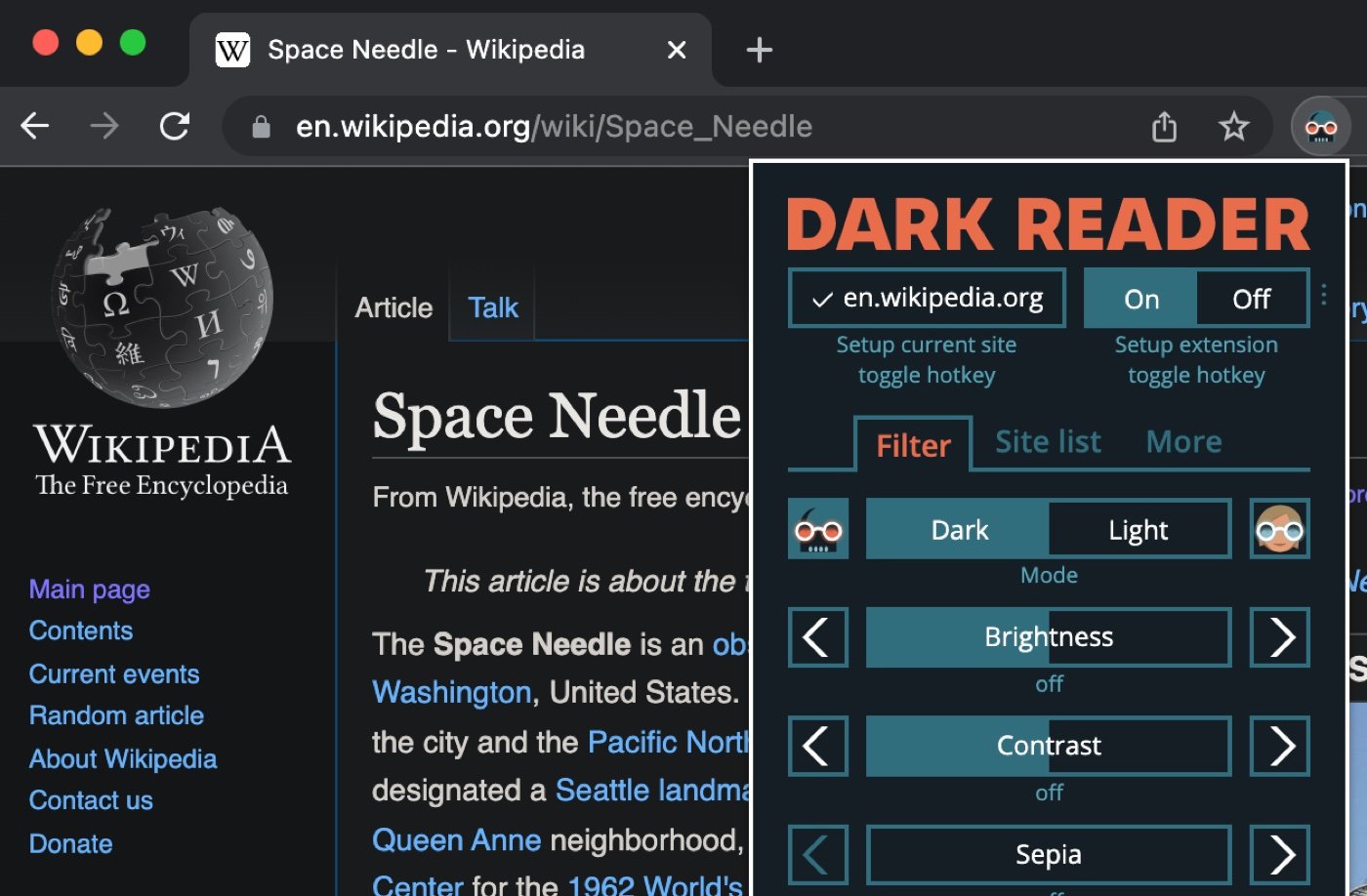
Dark Reader applies a highly customizable dark mode to every website, with per-site controls for contrast, brightness, and sepia tones. It is an absolute necessity for reducing eye strain during late-night work sessions.
- Ideal for: Night owls, software engineers, writers, and anyone spending 8+ hours a day in front of screens.
- Pricing: Free.
- In My Workflow: Coding or reviewing dense website audits at night can be blinding. Dark Reader saves my vision by converting harsh, stark white admin panels into smooth dark layouts.
AI, Automation & Security
17. Monica AI
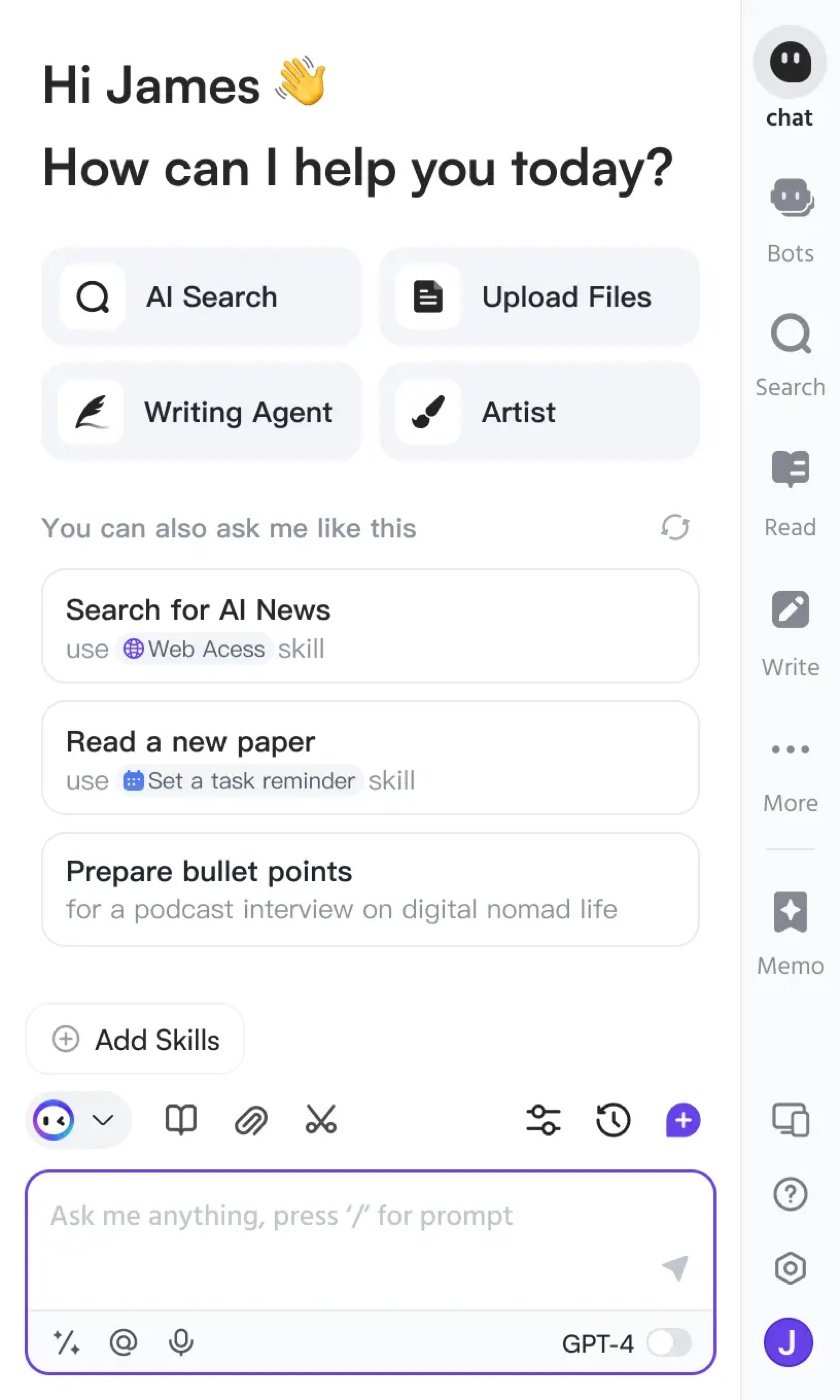
Instead of constantly jumping between ChatGPT, Claude, and Gemini tabs, Monica AI acts as an all-in-one sidebar. It brings top Large Language Models directly to whatever page you’re reading for instant summaries, translations, and drafting assistance.
- Ideal for: Content strategies, legal researchers, executives, and marketing analysts.
- Pricing: Free tier available; Premium plans start around $9.90/month.
- In My Workflow: I drop long technical blogs or complex industry reports into Monica’s sidebar to pull instant summaries, extracting the core insights without reading through thousands of words of filler text.
18. Scribe
Scribe eliminates the painful process of writing standard operating procedures (SOPs). Just hit record, perform your workflow, and Scribe automatically generates a step-by-step guide complete with screenshots and highlighted clicks.
- Ideal for: Operations managers, operations staff, tech leads, and onboarding coordinators.
- Pricing: Free tier available; Pro tier starts at $23/month.
- In My Workflow: When handing off a newly built website or an optimized content system to a client, I record a quick Scribe walkthrough so their team knows exactly how to make content edits without needing me to write documentation.
19. Notion Web Clipper

The cleanest way to turn the internet into your personal, searchable database. It lets you save full articles, highlights, and visual inspiration directly into your Notion databases with customizable tags.
- Ideal for: Researchers, strategists, copywriters, and long-term project planners.
- Pricing: Free.
- In My Workflow: When assembling structural design patterns or scanning deep competitor SEO breakdowns, I clip those case studies directly into my central team database for easy reference later.
20. Bitwarden
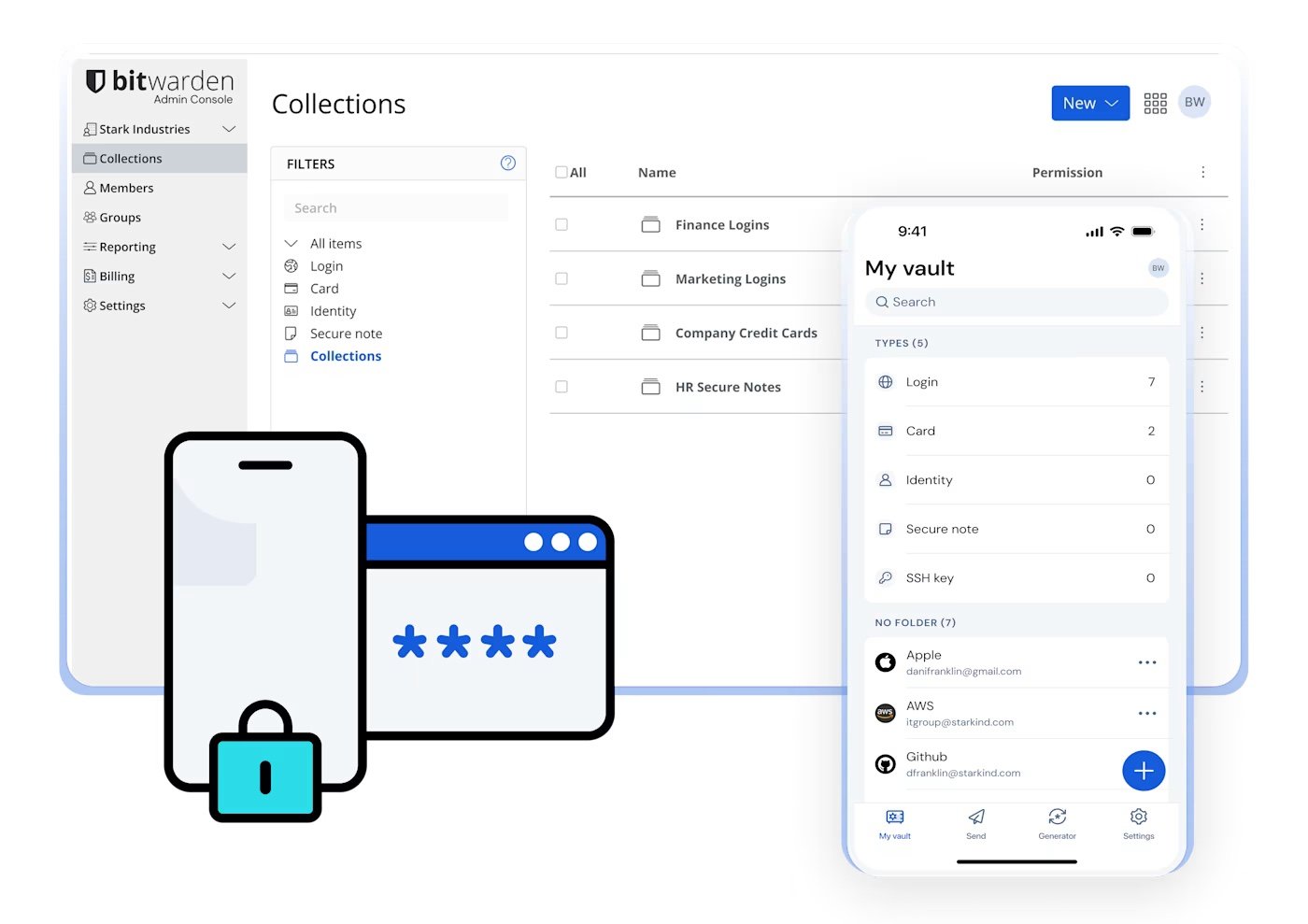
A fast, free, open-source password manager that autofills your credentials securely across the web. Bitwarden keeps your digital life secure and ensures you never lose a productive streak by hunting down a password reset link.
- Ideal for: Security-conscious teams, remote teams managing shared access, and anyone handling multiple client credentials.
- Pricing: Free tier available; Premium personal accounts are $10/year.
- In My Workflow: Dealing with dozens of distinct client staging sites, domain registries, and host dashboards can be a major bottleneck. Bitwarden handles all the complex vaulting securely in one place, instantly speeding up my environment access.
If you are also a therapist or you are looking to track your billable ours you can try out therapist productivity calculator at our homepage.

Web designer and productivity tool designer.